Case study
NCPWD Kenya
Mobile companion for NCPWD: auth, reports, services, learning content, and notifications.
- React Native
- Expo
- TypeScript
- Firebase Auth
- RTK Query
- Redux
App previews
Simulator and device captures—scroll horizontally to see more screens.
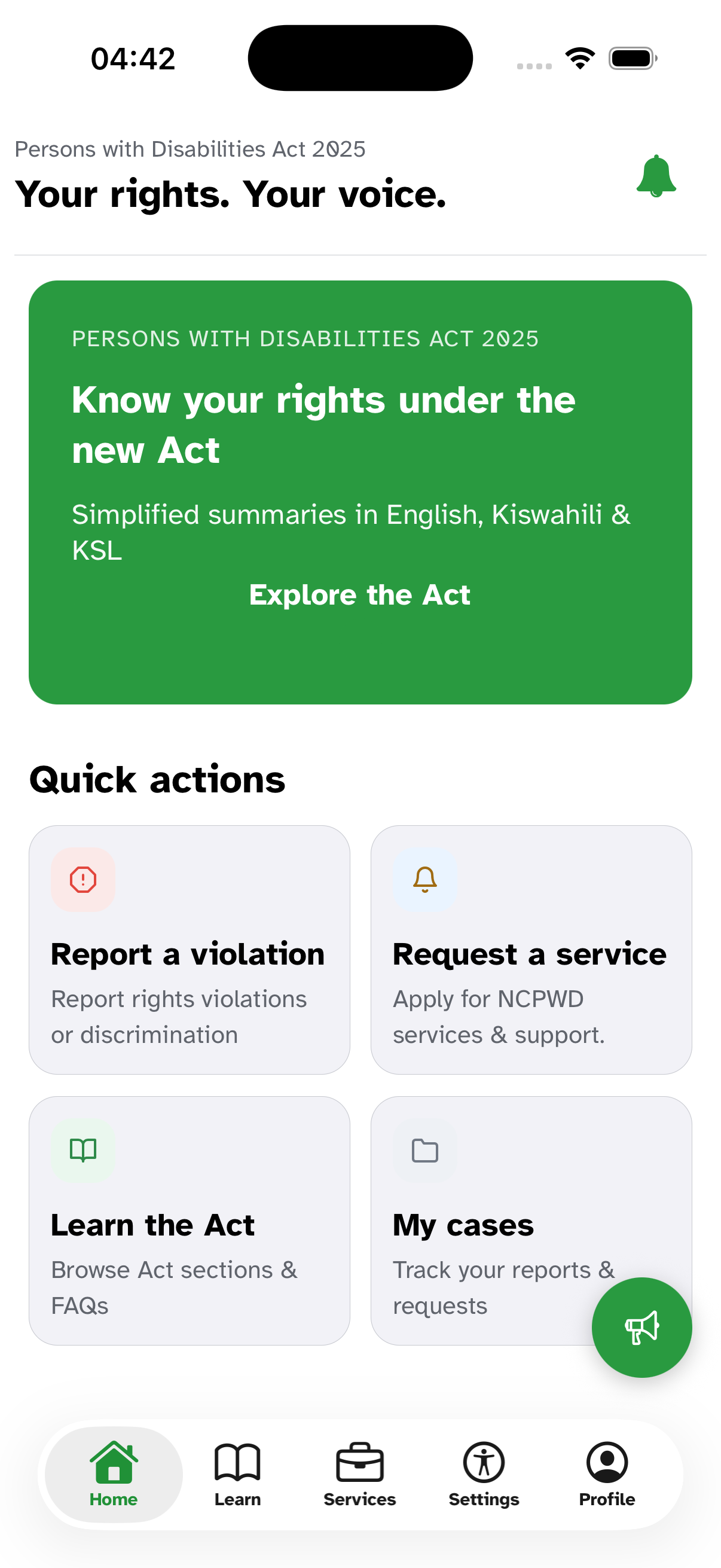
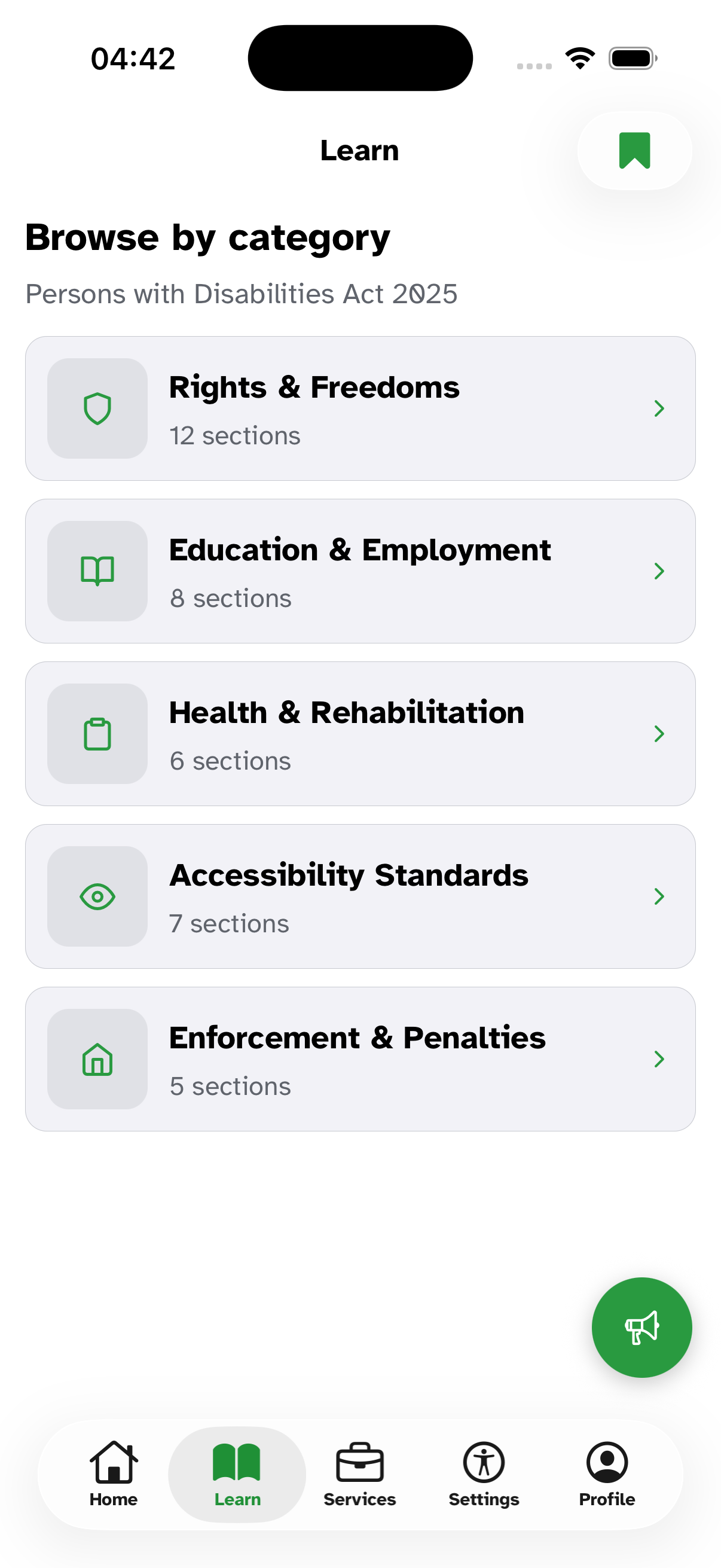
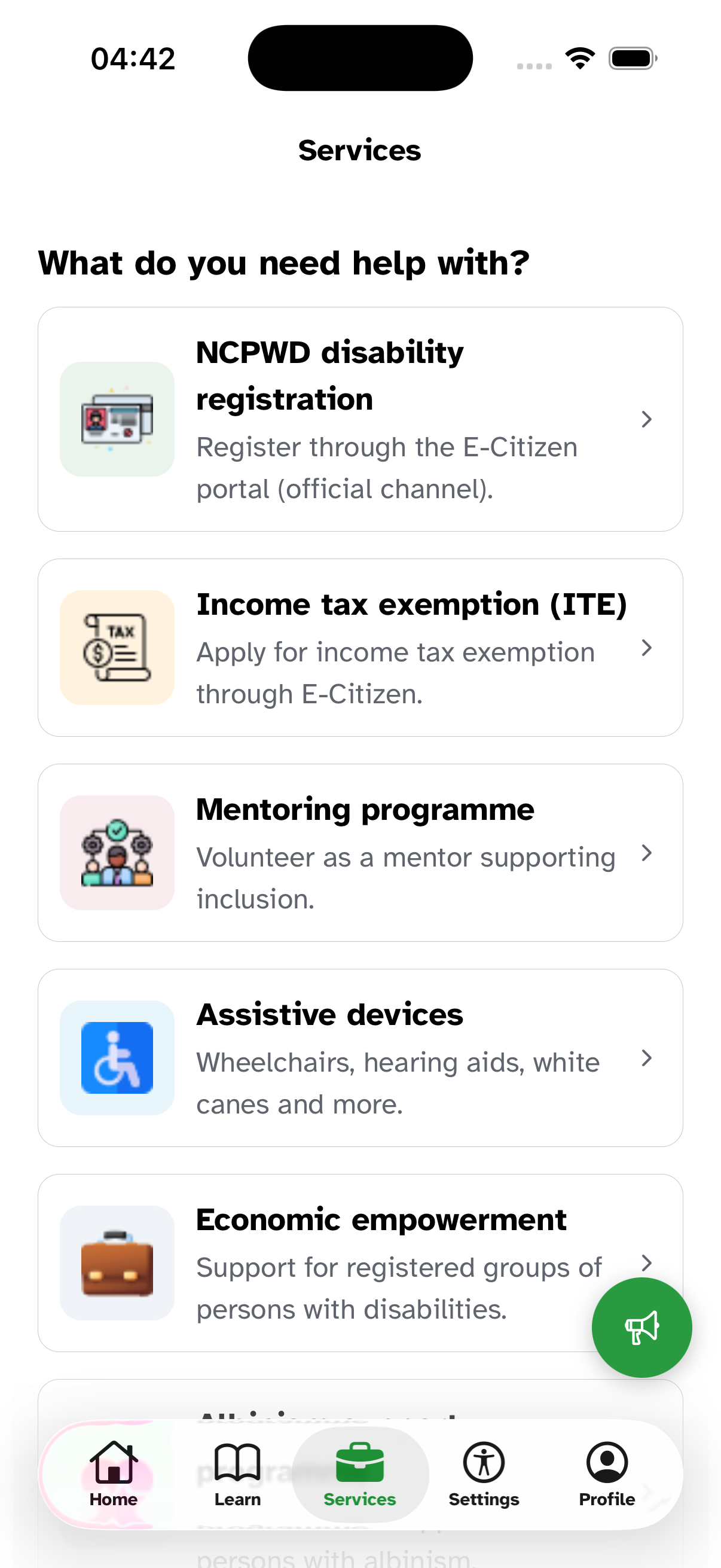
NCPWD Access is the mobile companion for Kenya’s National Council for Persons with Disabilities: sign-in, session-backed access to services and reports, learning materials (including PDFs users can save for later), notifications, and accessibility and language options so the product is usable across devices and preferences.
My role
I built the Expo / React Native client: feature screens, API integration, and the client-side patterns that keep sessions stable—refresh when tokens expire, retry failed requests, and persist preferences and saved documents so people can return to content offline-friendly where the app allows it.
What we shipped
- Auth with familiar provider sign-in, then seamless handoff to the council’s cloud-hosted API for day-to-day features.
- Reporting and services flows aligned with how the programme operates in the field.
- Learning hub with document handling and a saved-documents experience people can rely on between sessions.
- Notifications with sensible list behaviour and pagination.
- Accessibility and i18n surfaced in settings so text size, theme, and language choices stick across launches.
Stack
TypeScript, Expo, Expo Router, React Native, NativeWind, Redux Toolkit and RTK Query, Firebase Auth, push notifications, file system and PDF viewing, redux-persist, and EAS for Android and iOS releases.
What made it hard
The product spans many feature areas behind one session model. Centralising token refresh and replay logic in the API client avoided duplicated edge cases in every screen—users should see “try again” or a clean re-auth, not a wall of errors when a short-lived token expires mid-task.
Highlights
- Mobile companion for Kenya's National Council for Persons with Disabilities — sign-in, reports, services, learning content
- Reading experience for guides and PDFs that people can save and return to between sessions
- Accessibility and multi-language support baked in — text size, theme, and language stick across launches